


How Do I Complete a Life in the UK Test Booking?
Booking the Life in the UK Test is a structured process that must be completed online through the official government website. To begin, you’ll need to create an account with your personal details, including your full name, date of birth, email address, and UK postcode. These must exactly match your ID and proof of address, which will be checked on the day of your test.
Once you’ve registered, you’ll be prompted to upload a valid form of photographic identification. Accepted IDs include a biometric residence permit, passport, or UK photo driving licence. The system also requires a recent proof of address, such as a utility bill or bank statement dated within the last three months. Both documents must match the information you entered during registration.
After your documents are verified, you can select a test centre location, date, and time from a list of available slots. The fee of £50 is paid by debit or credit card, and once the booking is confirmed, a confirmation email is sent to your inbox. This includes your reference number and test instructions.
It’s important to double-check all submitted details, as incorrect information may lead to cancellation or disqualification. You must also ensure you’re available on your chosen date and arrive at the test centre with your original documents. Booking is the only recognised way to take the test walk-ins or unofficial services are not accepted.
What Are the Main Steps for Life in the UK Test Booking?
The Life in the UK Test booking process follows a series of straightforward but essential steps. Understanding them beforehand helps avoid errors and delays.
The first step is to visit the official test booking website provided by the UK government. There, you create a secure account by entering your personal information. Ensure this matches your identification documents precisely. You then choose your preferred test location, which should be close to where you live, and select a suitable date and time from the available options.
Next, you upload two key documents: a valid photo ID (such as a passport or BRP) and a proof of UK address. These documents must be clear, legible, and current. Once uploaded, you pay the £50 test fee using a card. The site will then provide a booking summary for you to review.
Once payment is complete, you’ll receive a confirmation email that includes the details of your test centre, appointment time, and instructions for test day. It’s vital to keep this confirmation, as it acts as your entry pass to the test.
On the day, bring your original documents digital copies or expired documents won’t be accepted. Arriving early helps you settle before the test begins. Following these steps carefully ensures your booking is valid and your test day runs smoothly.
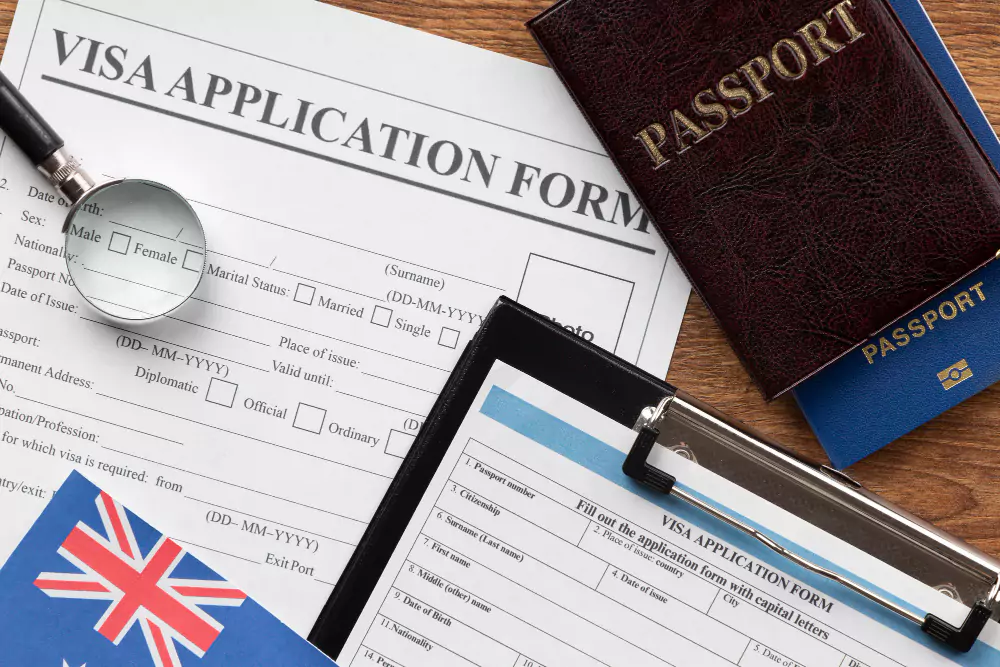
Are There Specific Requirements for a Life in the UK Test Booking?
Yes, several specific requirements must be met before you can complete a valid Life in the UK Test booking. These requirements ensure the integrity of the process and confirm your eligibility to take the test.
To make a successful booking, you must meet the following conditions:
- Be 18 to 64 years old (standard age requirement unless exempt)
- Hold a valid form of photographic ID, such as:
- Biometric Residence Permit (BRP)
- Passport (UK or foreign)
- UK photo driving licence
- Travel document with a photograph
- Provide proof of address issued within the last 3 months, such as:
- Bank statement
- Utility bill
- Council tax letter
- Letter from the Home Office or NHS
- Have a valid email address to receive your booking confirmation
- Pay the £50 test fee using a credit or debit card
- Book at least 3 days in advance of your preferred test date
In addition, the documents you upload must match the personal details you enter on the site. Any mismatch such as spelling errors in your name or a different address on your ID can result in cancellation or refusal on test day.
All requirements must be met before the system allows your booking to be completed. Failing to meet any of them may delay your test and affect your citizenship or settlement timeline. Double-check all entries and documents before final submission to avoid errors.


Which Platform Should I Use to Make a Life in the UK Test Booking?
To book the Life in the UK Test, you must use the official government booking platform, which is the only recognised and authorised website for securing a test appointment.
The platform can be accessed via: https://www.lituktestbooking.co.uk
This government-operated site is secure, regularly updated, and directly linked to all approved Life in the UK test centres. It ensures your information is handled safely and that your test result will be officially recorded for your citizenship or indefinite leave to remain application.
Avoid using third-party websites or services, as many are unofficial and may charge additional fees or fail to process your booking correctly. Some of these may appear legitimate but are not endorsed by the Home Office.
On the official booking platform, you can:
- Create an account using your full legal name, email address, and contact number
- Upload valid identification, such as a passport, biometric residence permit (BRP), or UK photo driving licence
- Provide proof of address, no older than 3 months
- Choose your test centre, date, and time slot
- Pay the standard booking fee of £50 using a credit or debit card
- Receive a confirmation email with all booking details and instructions
Always check that the website address starts with https://www.lituktestbooking.co.uk to ensure you’re on the correct platform. Bookings made through the official site are the only ones accepted by recognised test centres and the Home Office.